 461a00384c
- Introduced FounderSection component to highlight leadership and vision.
- Created ServicesGrid component to display various robotics services offered.
- Developed RoboticsScrollShowcase for showcasing robots with interactive elements.
- Implemented RoboticsSplineShowcase featuring a 3D Spline scene for enhanced user experience.
- Added reusable Card component for consistent styling across sections.
- Integrated ContainerScroll for animated scrolling effects in the showcase.
- Built SplineScene component for lazy loading Spline 3D scenes.
- Added Spotlight component for interactive hover effects.
- Created utility function for class name merging to streamline styling.
36 lines
1.9 KiB
XML
36 lines
1.9 KiB
XML

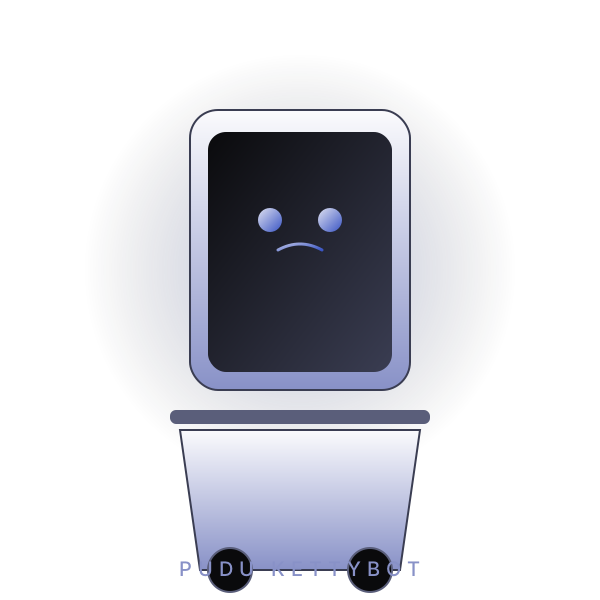


<svg xmlns="http://www.w3.org/2000/svg" viewBox="0 0 600 600" role="img" aria-label="Pudu KettyBot service robot silhouette">
|
|
<defs>
|
|
<radialGradient id="bg" cx="50%" cy="45%" r="60%">
|
|
<stop offset="0%" stop-color="#3a55c4" stop-opacity="0.32"/>
|
|
<stop offset="60%" stop-color="#0a0a0c" stop-opacity="0"/>
|
|
</radialGradient>
|
|
<linearGradient id="body" x1="0" y1="0" x2="0" y2="1">
|
|
<stop offset="0%" stop-color="#FBFBFD"/>
|
|
<stop offset="100%" stop-color="#8891C7"/>
|
|
</linearGradient>
|
|
<linearGradient id="screen" x1="0" y1="0" x2="1" y2="1">
|
|
<stop offset="0%" stop-color="#0a0a0c"/>
|
|
<stop offset="100%" stop-color="#3a3d52"/>
|
|
</linearGradient>
|
|
<linearGradient id="accent" x1="0" y1="0" x2="1" y2="1">
|
|
<stop offset="0%" stop-color="#DEE0F0"/>
|
|
<stop offset="100%" stop-color="#3a55c4"/>
|
|
</linearGradient>
|
|
</defs>
|
|
<rect width="600" height="600" fill="url(#bg)"/>
|
|
<g transform="translate(300 110)">
|
|
<rect x="-110" y="0" width="220" height="280" rx="28" fill="url(#body)" stroke="#3a3d52" stroke-width="2"/>
|
|
<rect x="-92" y="22" width="184" height="240" rx="18" fill="url(#screen)"/>
|
|
<g transform="translate(0 110)">
|
|
<circle cx="-30" cy="0" r="12" fill="url(#accent)"/>
|
|
<circle cx="30" cy="0" r="12" fill="url(#accent)"/>
|
|
<path d="M -22 30 Q 0 18 22 30" stroke="url(#accent)" stroke-width="3" fill="none" stroke-linecap="round"/>
|
|
</g>
|
|
<rect x="-130" y="300" width="260" height="14" rx="6" fill="#5a5e7a"/>
|
|
<path d="M -120 320 L 120 320 L 100 460 L -100 460 Z" fill="url(#body)" stroke="#3a3d52" stroke-width="2"/>
|
|
<circle cx="-70" cy="460" r="22" fill="#0a0a0c" stroke="#5a5e7a" stroke-width="2"/>
|
|
<circle cx="70" cy="460" r="22" fill="#0a0a0c" stroke="#5a5e7a" stroke-width="2"/>
|
|
</g>
|
|
<text x="50%" y="96%" text-anchor="middle" fill="#8891C7" font-family="Inter, sans-serif" font-size="20" letter-spacing="6">PUDU KETTYBOT</text>
|
|
</svg>
|